
Quickwin Withdrawals — How to Cash Out Your Winnings
After spending some time playing casino games and betting on sports, you can make a Quickwin withdrawal to be able to use the money you fairly won. All the payment methods that we provide for withdrawals are trustworthy since they are world-renowned and do not charge any commission whereas the processing time is as quick as it can possibly be, and takes a few hours in very rare cases and usually gets processed in a matter of minutes.
Available Withdrawal Methods on Quickwin
At Quickwin, we make sure that you can use only the best and most reliable withdrawal methods and that their range is decent. We offer cards, e-wallets as well as crypto, and you can learn more in the table below:
| Payment Method | Quickwin Minimum Withdrawal | Maximum Withdrawal Amount | Processing Time | Fees | Supported Currencies |
|---|---|---|---|---|---|
| Mastercard | 10 EUR | 3,000 EUR | Instant | Free | USD, EUR |
| Visa | 10 EUR | 3,000 EUR | Instant | Free | USD, EUR |
| Bank Transfer | 10 EUR | 5,000 EUR | Instant | Free | USD, EUR |
| Revolut | 10 EUR | 5,000 EUR | Instant | Free | USD, EUR |
| Paysafecard | 10 EUR | 5,000 EUR | Instant | Free | USD, EUR |
| Skrill | 10 EUR | 5,000 EUR | Instant | Free | USD, EUR |
| Neteller | 10 EUR | 5,000 EUR | Instant | Free | USD, EUR |
| Jeton | 10 EUR | 5,000 EUR | Instant | Free | USD, EUR |
| MiFinity | 10 EUR | 5,000 EUR | Instant | Free | USD, EUR |
| Crypto | 10 EUR | No limit | Instant | Free | USD, EUR |
How to Withdraw Money from Quickwin
For new players, the process of withdrawing may seem difficult, but it actually is really easy and will only take a few minutes of your time. You can use the step-by-step instructions below to successfully make a withdrawal.
Log into Your Account
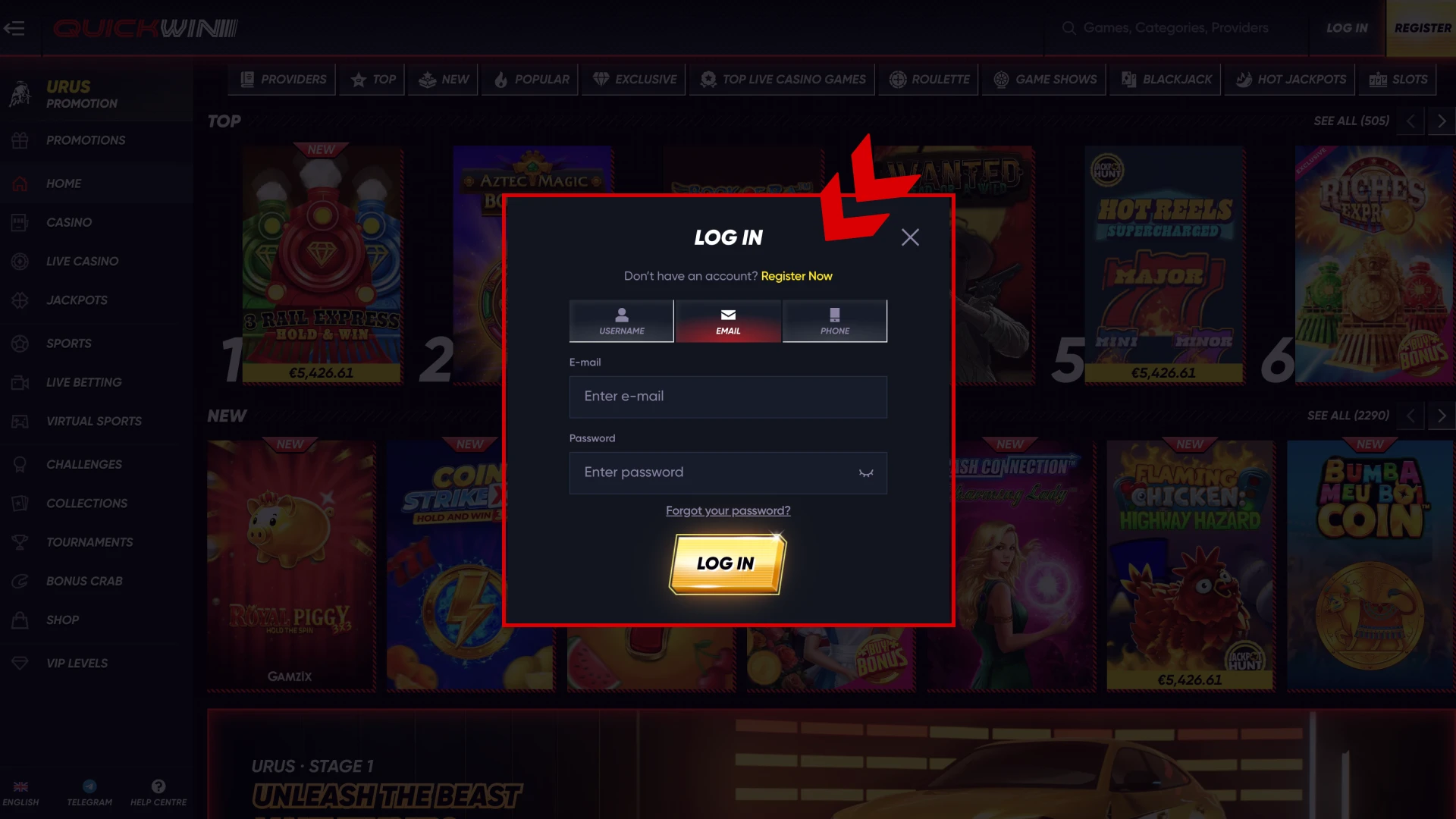
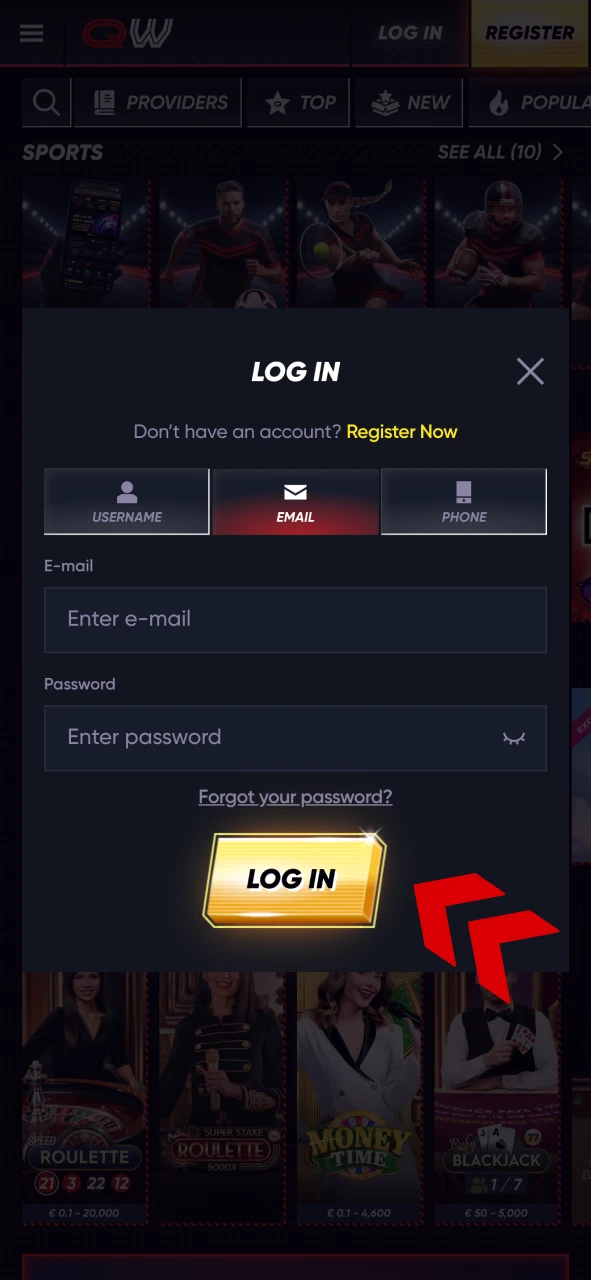
First off, on the main page, press the “Log In” button and enter your email and password to get logged into your account.
Open the Withdrawal Box
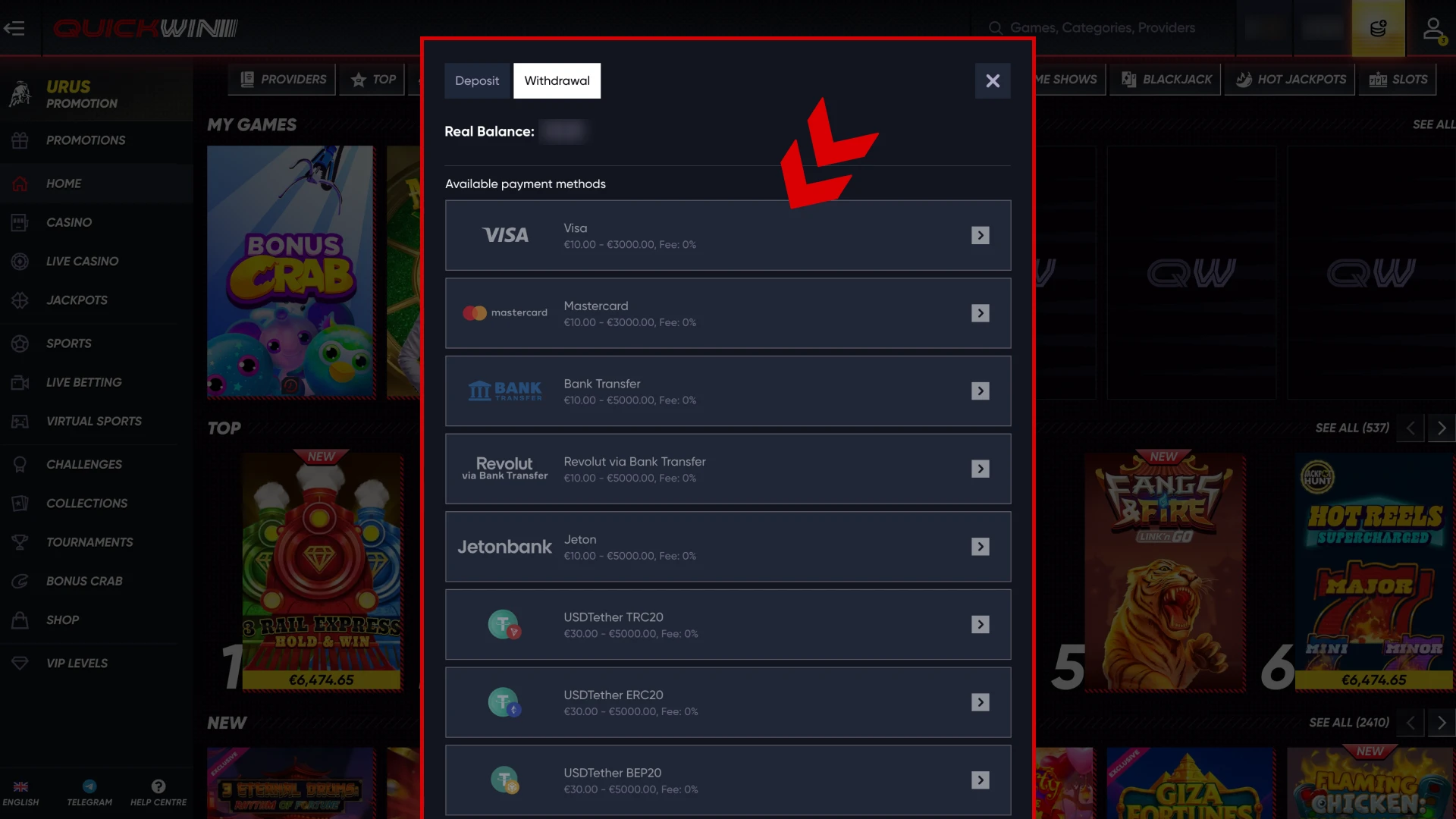
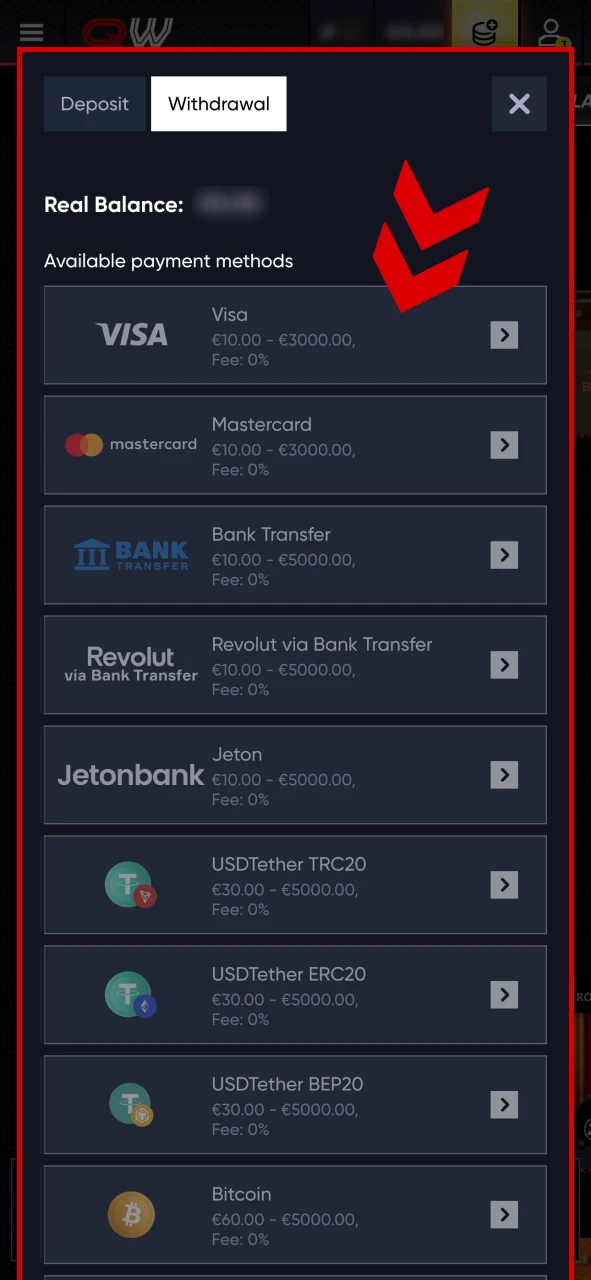
Next, tap on the deposit button and in the box, switch to “Withdrawal”. There, pick the method that suits your Quickwin withdrawal limit best.
Make a Withdrawal
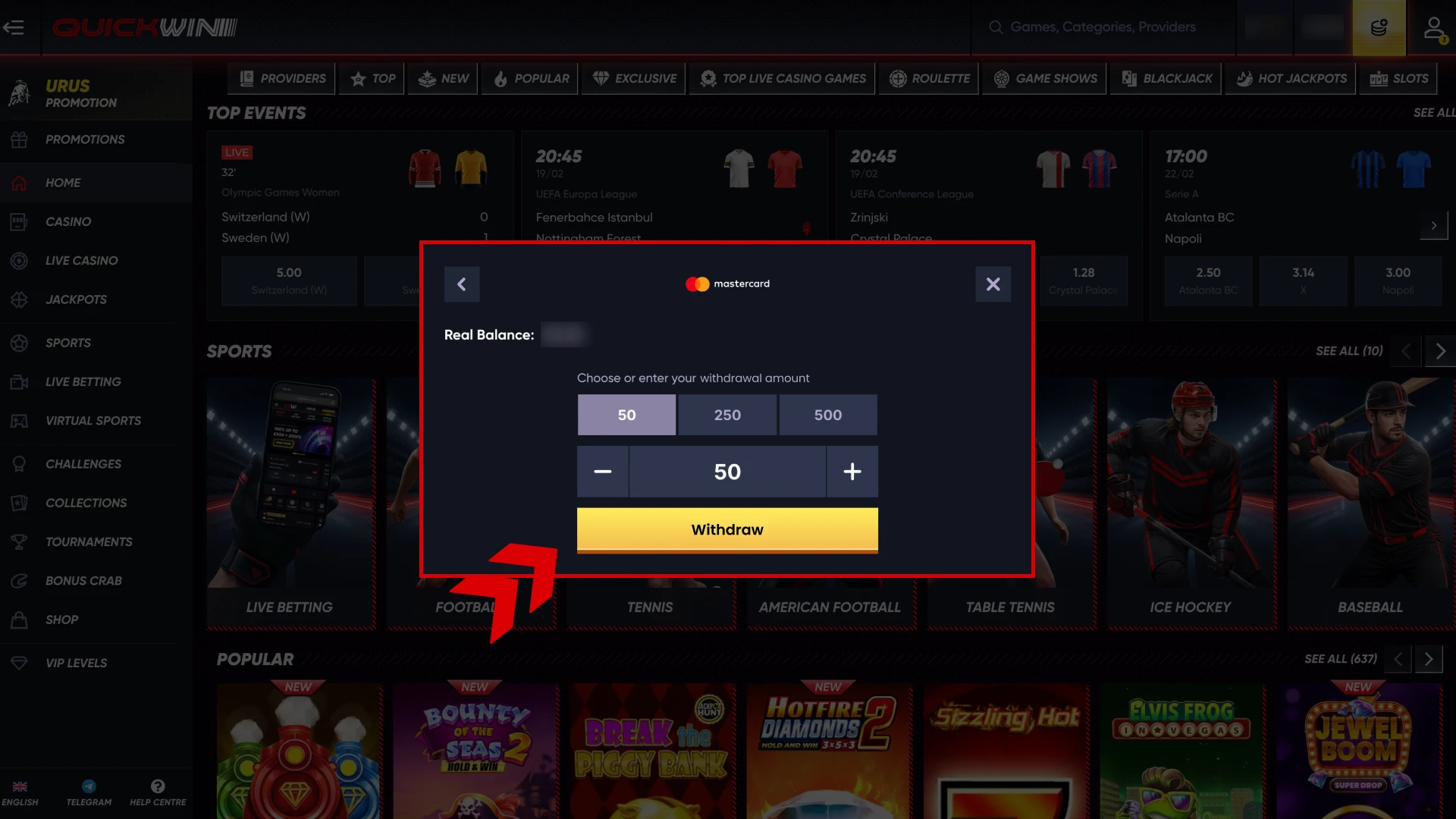
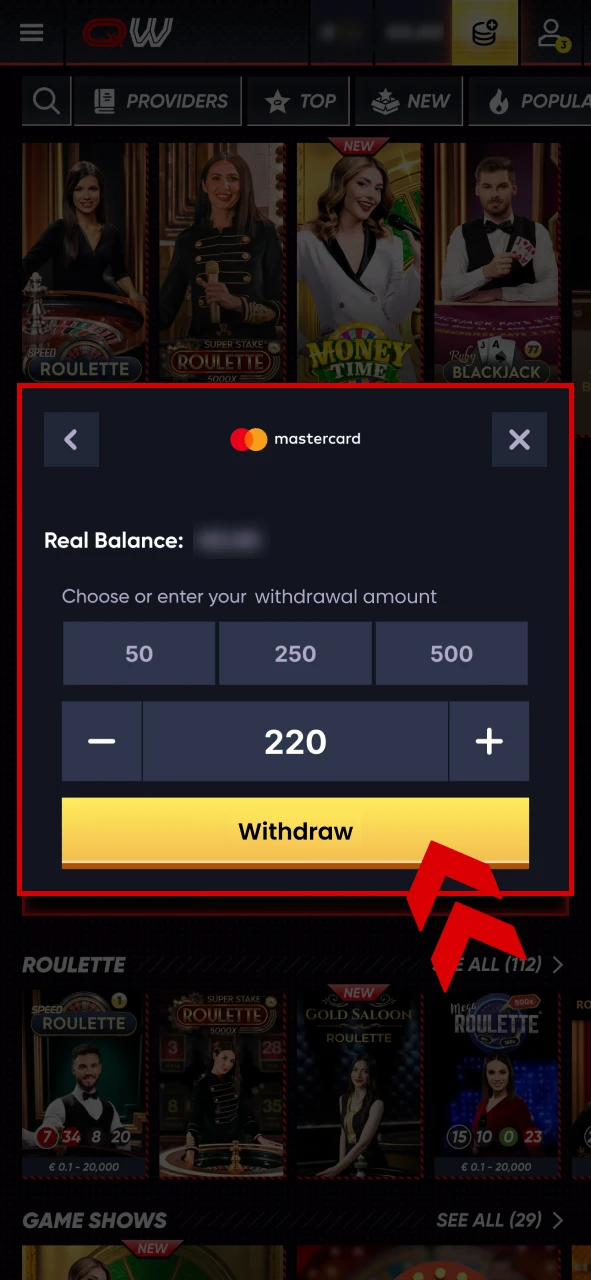
Once you pick the method you would like to use, enter the address to which you will be getting the money, and also the amount you would like to withdraw. Then, confirm the payment and wait for it to get processed.
How to Withdraw Money from Quickwin via Mobile App
If you are using the mobile app instead of the website, don’t worry as the withdrawal can also be done in it, and it won’t be any harder. Here is what you will need to do for it.
Open the App
Tap on the application’s icon on the home screen of your device and then log into your account by entering the email and the password.
Open the Withdrawal Page
Similar to the website’s process, in the app, you will need to tap on the deposit button and then change the deposit to the withdrawal. After that, select the method you’d like to use for your withdrawal.
Make the Withdrawal
All that is left for you to do in the app is to choose the amount you will be withdrawing and enter the wallet to where you will be getting the money, and then confirm.
Verification and Security Requirements
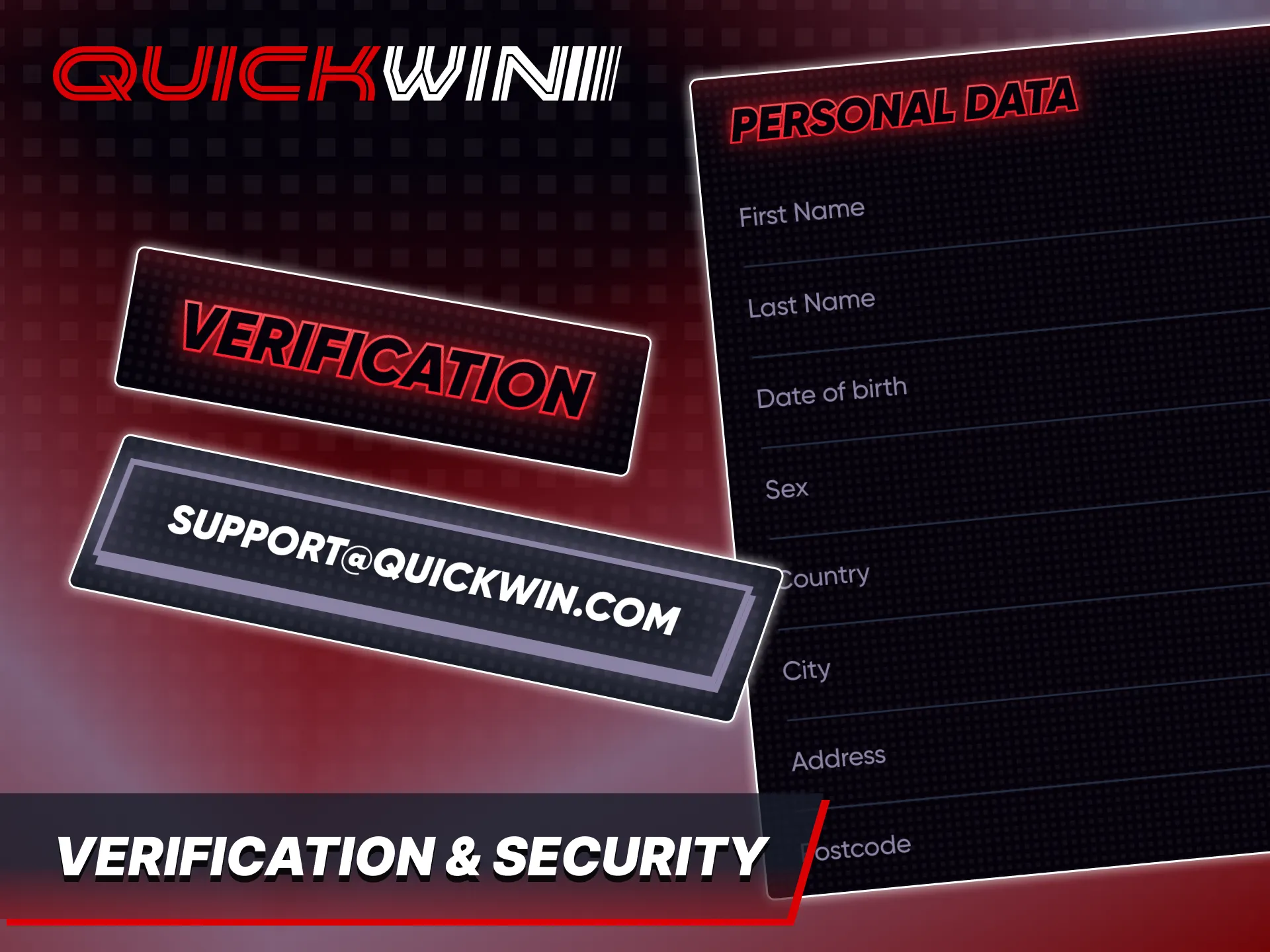
At Quickwin we require our players to complete the verification process. It is needed so that you can make the withdrawals in the first place, and apart from that, the verification of the account gives your account more protection as with it we know for sure that you’re actually the owner of the data and no one else uses it except you. To complete the verification, you will need to provide some documents, like:
- Proof of address;
- ID or driver’s license;
- Bill statement.
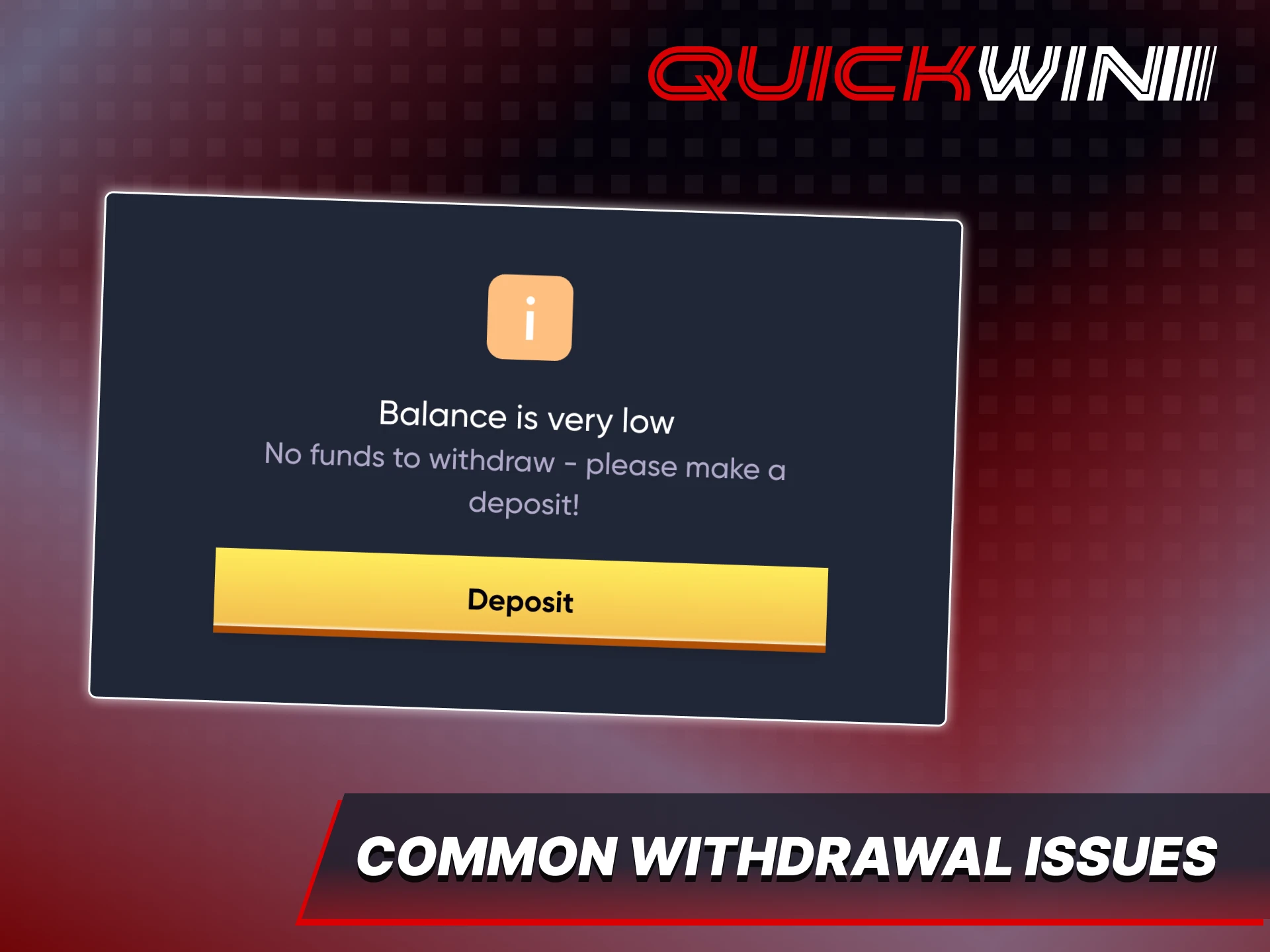
Common Withdrawal Issues & How to Solve Them
Even though rare, sometimes, there can be withdrawal issues and you cannot make a withdrawal successfully, however they can all be easily fixed. Among the most popular issues that players face there are:
- Incorrect Payment Details. If the details are incorrect or incomplete, the withdrawal may be rejected. Make sure that you enter all the data the right way;
- Unverified Account. It means that either you have not completed the verification yet, or some of the documents didn’t make it;
- Exceeding Withdrawal Limits. If the amount you entered exceeds the set limits, you should choose another method or adjust the amount;
- Technical Delays. Sometimes, withdrawal processing may take longer due to external payment providers and in that case we recommend to wait and check the status of the payment later.
FAQ
What is the minimum withdrawal amount on Quickwin?
The minimum amount you can withdraw from your account is 10 EUR.
How long does it take to receive my money?
Usually it doesn’t take longer than 15 minutes, but in rare cases, it can take up to a few hours.
Are there any fees for withdrawing funds?
No, we at Quickwin don’t take any fees, however the payment method itself that you use can actually take the fees.
Can I withdraw using the same method I deposited with?
Not only can you do that, it is highly recommended to do so.
Why was my withdrawal request declined?
It means that either you have entered the details incorrectly or the amount you want to withdraw is too low or too high.
Updated:
Comments